Showing posts with label Admin. Show all posts

Friday, September 17, 2021

Internet Archive Meet-Up / Sept. 17

I'm very excited to be doing a presentation for the wonderful people at Internet Archive this week, on Friday, September 17. I've published the short slidedeck full-sized and also embedded it below.

I'll use this post as a place to share links I forgot to include in the slideshow, and also to report on updates. This was a really great opportunity for me to describe the "big picture" of my plans during retirement.

I'm going to be busy...! :-)

Update:

The presentation was so fun: now I can finally put some names and faces of actual people to the Internet Archive project that has been part of my life for so long. Plus, they had live music at their meeting: how cool is that? 

So, my best takeaways from this meet-up were learning about the story of Internet Archive and Better World Books — wow! it is a very inspiring story; For the Love of Literacy–Better World Books and the Internet Archive Unite to Preserve Millions of Books...


... and also learning about this bluegrass band from Oklahoma City (nice coincidence!): Wood Willow. This is one of the songs they performed, and that sure fit: Internet Archive is all that I need for endless books to read and share! :-)


Tuesday, September 14, 2021

Chained Tweets: an alternate to threaded tweets

I am really excited about chance to meet up with some people from Internet Archive this Friday, so I'm preparing some notes to explain how the amazing resources at the Archive is powering my projects these days.

The main thing, of course, is the book-sharing that I am doing here at this blog. I post about a book every day of the week, starting on Sunday and ending on Friday with a round-up each Saturday. I've been doing that for 18 weeks now, starting right after I retired from my job on May 15. Here's the first post: Stories Gogo Told Me.

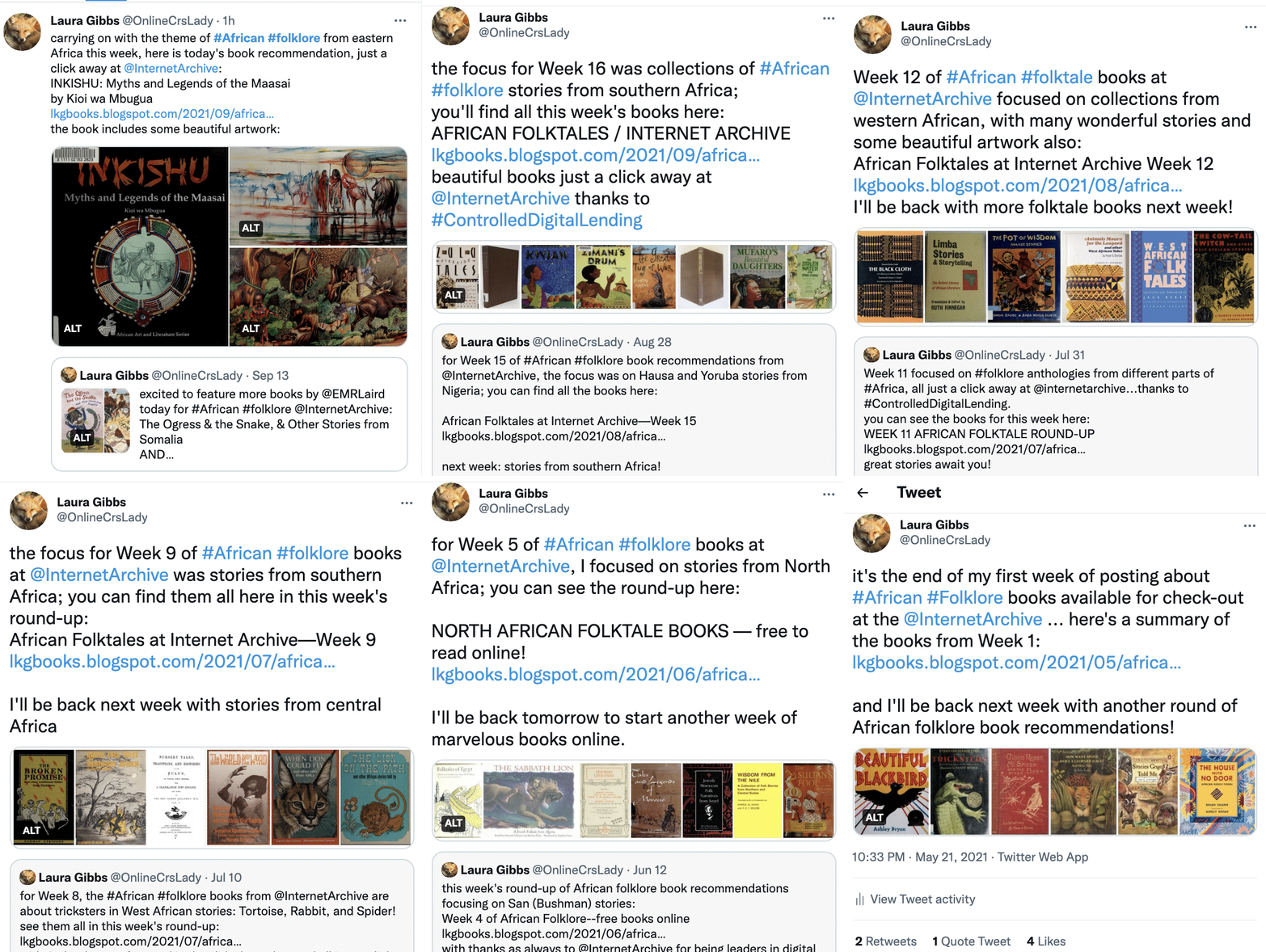
Every day I tweet about the book of the day, and I do that tweet as a "quote tweet" from the day before. That means you can follow the tweet-trail all the way down by clicking on the quoted tweet that is inside each individual tweet.

I like this system better than a Twitter thread because the image from the quoted tweet appears with a thumbnail image inside the quoting tweet. I think images are a big enticement for people to click on something, and this way every tweet has two images: the image from the new tweet, plus the teaser thumbnail image in the quoted tweet.

To see how that works, you can follow the tweets all the way back from today's tweet to the very first week's round-up; here's today's tweet: Inkishu: Myths and Legends of the Maasai.

And just for fun, I made an animated gif that shows how you can go back back back through the latest tweets of the week book by book and then back through all the round-up tweets week by week, all the way back to the beginning. :-)

animated gif of book cover tweets


Tuesday, June 15, 2021

About Diigo and Inoreader: My African Books Feed

I got an email from someone this morning asking about Diigo and Inoreader, and I thought I would post the reply I sent him here in case others are curious about the RSS magic that goes on when you use Inoreader to subscribe to a Diigo bookmark using Diigo RSS.

Here's how that works:

I decide on a Diigo tag or combination of tags that I want to keep track of in Inoreader. For example, I want to use Inoreader to display my latest African folklore bookmarks on my homepage here: MythFolklore.net. (That's actually a combination feed with Diigo and blog posts, so in addition to showing selected Diigo bookmarks, it also displays blog posts too... so when I post this post, it will show up there!)


Here's how I set up the Inoreader-Diigo RSS to make that happen:

Diigo search. So, to do that I make sure to use the tag "onlinebooks" in Inoreader when I add a new book. So when I search Diigo for #onlinebooks that gives me these results (it's important to include the hashtag in the search!)


This is what you will see as the URL for those search results:
https://www.diigo.com/user/laurakgibbs?query=#onlinebooks
You can share that link with others too! Being able to share collections of Diigo bookmarks with my students this way was a very useful feature of Diigo!

Diigo RSS. Then I go down to the bottom of the Diigo page where there is the RSS link for that specific tag search.


When I click on that RSS icon, Diigo gives me this RSS address:
https://www.diigo.com/rss/user/laurakgibbs?key=5af583f8fdff82a8ba417ffd4944f88d&query=%23onlinebooks&sort=updated
(you can click on that to see the actual raw RSS feed)

Subscribe in Inoreader to Diigo RSS. I then go to Inoreader and subscribe to that RSS link. That means I now see the new Diigo bookmarks with that "onlinebooks" tag automatically showing up in Diigo.


That's all there is to it! Now any new Diigo bookmark with the "onlinebooks" tag will show up there in my Inoreader.

Inoreader export. That also means I can use the Inoreader export feature to make those same new bookmarks show up, via HTML, in my homepage. To use the export feature, I put the feed into a folder, since export features in Inoreader work only on folders OR on Inoreader tags, so you can see there I've got the Diigo feed inside a folder; that's what lets me do the export to my homepage that you saw in the screenshot above. Here are the folder properties that give me access to the HTML export:


The folder can contain all kinds of different RSS feeds, like the folder I use to run my homepage feed, which contains my latest blog posts and Diigo bookmarks, and also items from Padlet, another service with RSS. I've written a lot more about these Inoreader features at Summer2020.LauraGibbs.net.

Boosting the RSS refresh. There's a bit of a delay because Inoreader only pings the Diigo feed once an hour, but you can go in and boost the interval so that it checks every 10 minutes (although this may be a premium feature; I'm not sure... I have a premium account because I really like using Diigo rules which is a premium thing). Here's what the booster looks like in the subscriptions management panel 


See the little rocketship icon? That's the booster, which has it set for 10 minutes. That means Inoreader checks the Diigo RSS source every 10 minutes to see if there is anything new to add.

I love Inoreader! I relied on Inoreader to run my student blog network with RSS while I was teaching, and now that I've retired, I'm building a new kind of Inoreader system that relies on blogs, Diigo, and also Padlet to keep track of the projects I am working on. It's fun thinking of new ways to use RSS for the work I'm doing now and sharing my progress via my homepage too. :-)


Tuesday, May 11, 2021

Transcribing Tales

Today is my first real day of new retirement life! (I finished teaching on Friday, and then on Monday I finished publishing the student microfiction book from Spring semester). Now it is Tuesday... and I'm pondering how to pick up all the loose threads I've got and start knitting them together. 

One of the things I want to be able to do is to transcribe stories from public domain sources. Some of these stories may have already been republished in some collections (like the Greenwood books, Scheub), some may have already been retold in other books (lots of storytellers have drawn on these old sources)... but some may not have surfaced in any other format since their original publication! My goal is to make useful, reliable, free anthologies of these materials, unlike the for-profit auto-reproductions that so many of the public-domain-reprinters have put out there for sale. For now, I'm going to focus on transcribing just one story from each promising source, and then I'll circle back around later to transcribe more stories.

In addition, I'll be taking notes on stories that come from non-public-domain sources, so that means there will be a mix of transcriptions and summaries in the feed below, which comes from Diigo via Inoreader. If you click, it will take you to the Google Document for that story:


Saturday, March 27, 2021

So it begins!

 Oooooh, the thrill of a new blog! This will be a blog for sharing my library, book by book, for people who are interested. :-)